Preparation#
Accounts#
To follow the exercises in this session, you will either need
Option A: a Github account.
Option B: an account at Leipzig University. In this case, navigate to the Request Scientific Computing Service Page and request Service
Otherand specifygitlab. After the Scientific Computing department has activated you acces, please drop an email to robert.haase@uni-leipzig.de and tell him your Uni Leipzig user account name. Robert will invite you to this repository: git-bob-test. If you cannot access this repository the day before the course, please drop Robert another email.
After setting up you account, please follow the instructions for accessing files below.
Files#
To prepare this session, follow at least one of these options:
Option A: login to Github and create a new repository, e.g. named ´git-ai-test`. Upload the CSV files 2015-2019 from here: git-bob-playground.
Option B: login to Gitlab of Scientific computing and test if you can create a new Issue.
Troubleshooting#
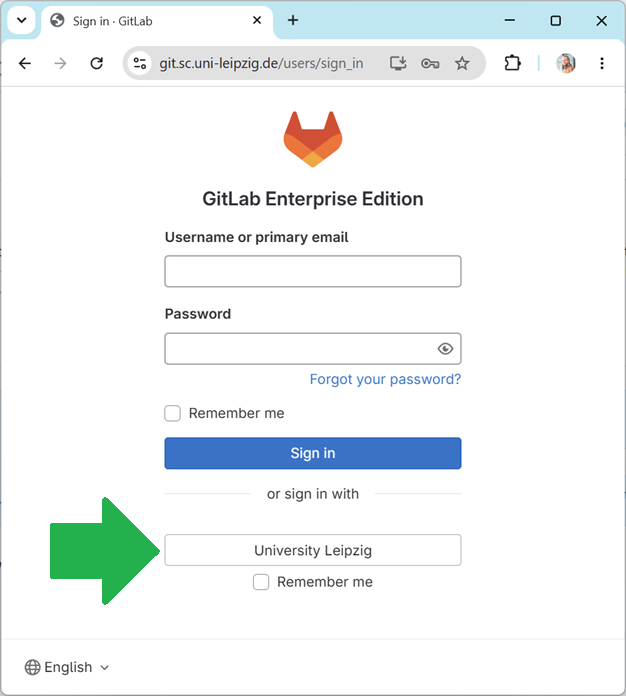
When logging into the gitlab-Server of Scientific Computing, do not enter your username/passwword in this form, but click on the Leipzig University button at the bottom: