
Filter overview#
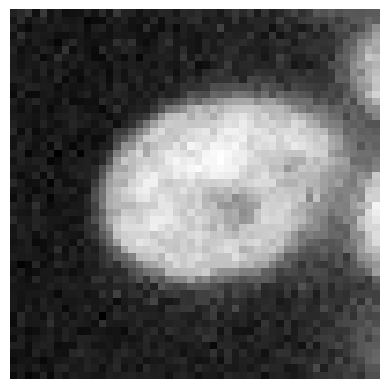
In this notebook we demonstrate some more typical filters using an example image showing a nucleus.
import numpy as np

import matplotlib.pyplot as plt
from skimage.io import imread
from skimage import data
from skimage import filters
from skimage import morphology
from scipy.ndimage import convolve, gaussian_laplace
import stackview
If intensity around the nucleus is noise, image segmentation may be hard later on.
image = imread('data/zebrafish_eye.tif')[504:554, 635:685]

stackview.imshow(image)
Denoising#
Common filters for denoising images are the mean filter, the median filter and the Gaussian filter.
denoised_mean = filters.rank.mean(image, morphology.disk(5))

stackview.imshow(denoised_mean)
C:\structure\code\embl-bia-2026\.venv\Lib\site-packages\skimage\filters\rank\generic.py:332: UserWarning: Bad rank filter performance is expected due to a large number of bins (56899), equivalent to an approximate bitdepth of 15.8.
  image, footprint, out, mask, n_bins = _preprocess_input(
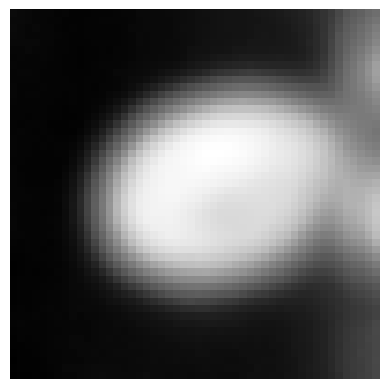
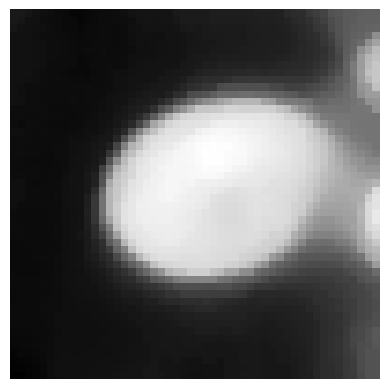
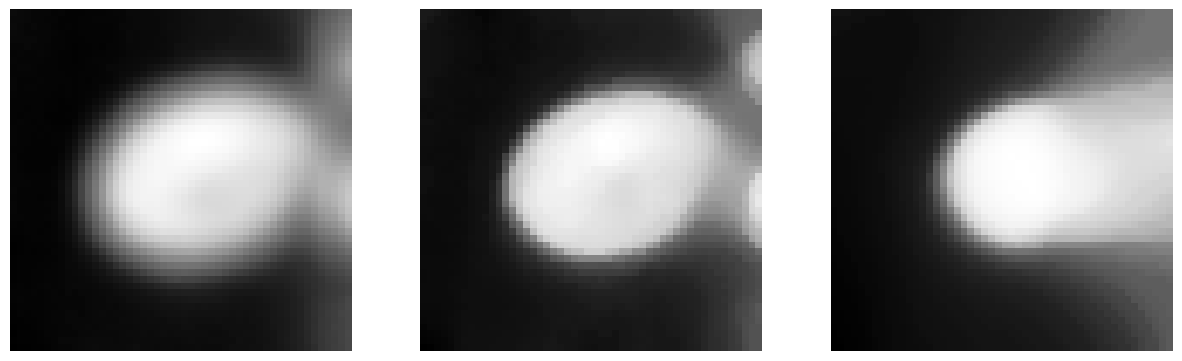
The borders of the nucleus are “blurred” and no longer sharp. Alternatively, we can use the Median-filter which is edge-preserving.
denoised_median = filters.median(image, morphology.disk(5))

stackview.imshow(denoised_median)
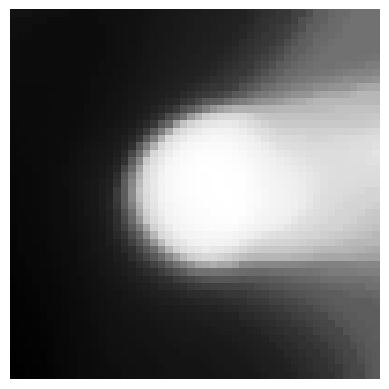
If we enter a too wide radius, the structures in the image will be lost.
denoised_median2 = filters.median(image, morphology.disk(15))

stackview.imshow(denoised_median2)
We can also show these images side-by-side using matplotlib.
fig, axes = plt.subplots(1,3, figsize=(15,15))

stackview.imshow(denoised_mean, plot=axes[0])
stackview.imshow(denoised_median, plot=axes[1])
stackview.imshow(denoised_median2, plot=axes[2])
To play a bit with such filters, one can setup a small graphical user interface like this:
def median(image, radius:int):
    return filters.median(image, morphology.disk(radius))

stackview.interact(median, image, zoom_factor=8)
Other filters#
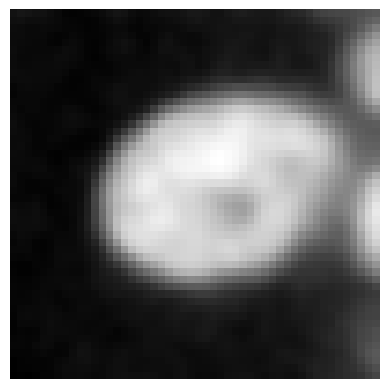
gauss = filters.gaussian(image, sigma=1)

stackview.imshow(gauss)
def gaussian(image, sigma:float):
    return filters.gaussian(image, sigma)

stackview.interact(gaussian, image, zoom_factor=8)
gradient = filters.rank.gradient(image, morphology.disk(3))

stackview.imshow(gradient)
sobel = filters.sobel(image)

stackview.imshow(sobel)
Exercise#
Apply a mean filter to the image and a sobel filter to the result of the mean filter afterwards. Try different mean filter radii. Compare the results.