
Understanding filters visually#
Here we will apply an image processing filter to a very simple image to see what it’s actually doing.
import numpy as np
from skimage.io import imread
from skimage import filters
from skimage import morphology
import stackview
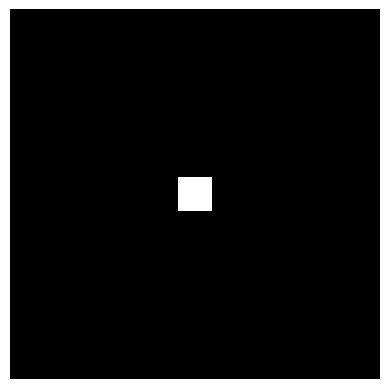
First we create a very simple image with black background and a single pixel 1.
image = np.zeros((11, 11))
image[5,5] = 1

stackview.imshow(image)
Filters on simple images#
By applying filters to such simple images, we can guess what parameters might mean.
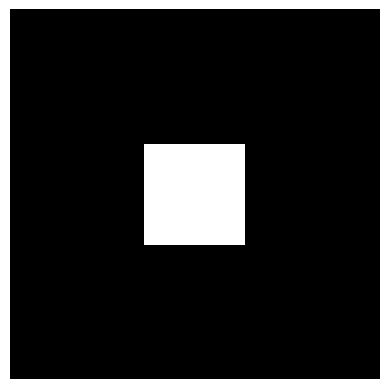
For example in the following two cases, the 3 means different things: Once it represents a radius of a circle and once a width of a square.
denoised_mean = filters.rank.mean(image, morphology.disk(3))

stackview.imshow(denoised_mean)
C:\structure\code\embl-bia-2026\.venv\Lib\site-packages\IPython\core\interactiveshell.py:3748: UserWarning: Possible precision loss converting image of type float64 to uint8 as required by rank filters. Convert manually using skimage.util.img_as_ubyte to silence this warning.
  exec(code_obj, self.user_global_ns, self.user_ns)

denoised_mean2 = filters.rank.mean(image, morphology.square(3))

stackview.imshow(denoised_mean2)
C:\Users\haase\AppData\Local\Temp\ipykernel_34616\3707362287.py:1: FutureWarning: `square` is deprecated since version 0.25 and will be removed in version 0.27. Use `skimage.morphology.footprint_rectangle` instead.
  denoised_mean2 = filters.rank.mean(image, morphology.square(3))
Exercise#
Apply a Gaussian filter with different sigma to the image. What does sigma mean in this context?
def gaussian(image, sigma:float):
    return filters.gaussian(image, sigma)

stackview.interact(gaussian, image, zoom_factor=40)